For schools and education providers
Participants in classes and courses, with a lead for each
Folk high schools, study associations and course providers have participants who belong to a class or course. Registra splits the register the same way, and each teacher or course lead looks after their own part.
Free up to 100 members · No card needed
What you start with
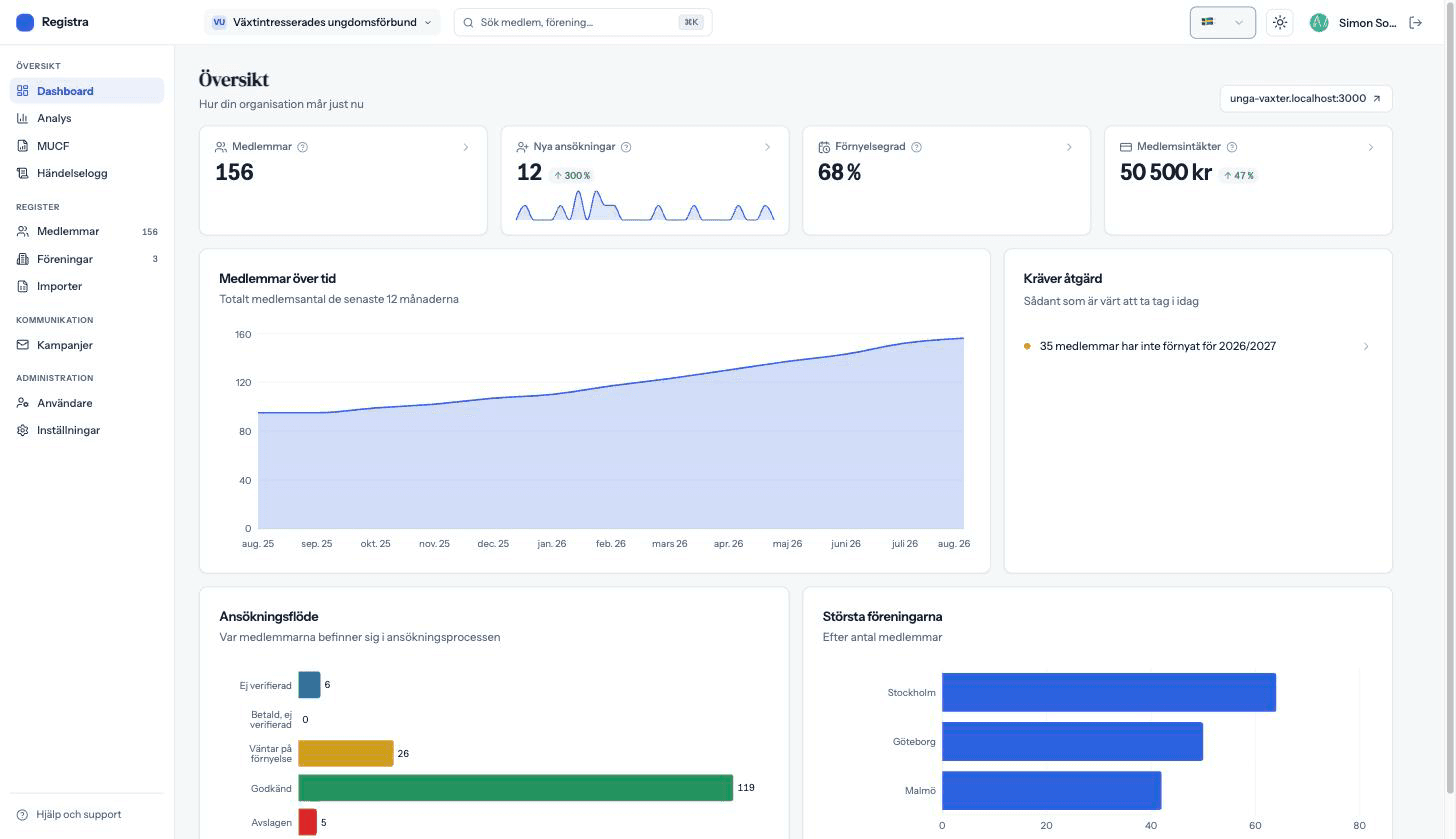
When you create your organization you pick what kind it is, and that decides what is switched on from the start. Nothing is locked: tell us, and we switch on what is off.
- Member registerAlways included
Search, filter and export. Every change is saved with who made it.
- Applications and member portalAlways included
An application page on your address, and a page of their own where members renew and correct their details.
- PermissionsAlways included
Administrators, people responsible for one part of the organization, and read-only access for an auditor or board.
- Activity logAlways included
Who did what and when, even after the record is gone.
- Classes and coursesOn
Split the register into parts with their own leads and their own figures, and see everything together or one part at a time.
- Fees through StripeOn
Free, a one-off fee or automatic renewal, paid into your own Stripe account.
- Email campaignsOn
Email everyone or a selection, scheduled, with delivery shown per recipient.
- AnalyticsOn
Growth, renewal rate, revenue and demographics, for the whole organization or one part.
- ImportOn
Read in a spreadsheet and see what will be created before anything is written.
- MUCF grant figuresOff at start
The figures for the Swedish state grant to children's and youth organizations, checked against the ordinance.
- AI assistantAdd-on
Ask the register in plain language. It reads, and never changes anything.
Read in the list you already have
A school almost always starts with a spreadsheet. Match the columns and see exactly what will be created before anything is written.
- A column for class or course is matched to the right part of the register.
- The test run shows what will be created, skipped or rejected.
- Someone already in the register is not added a second time.
A lead for each class or course
Teachers and course leads log in and see only their own participants. The head or the office sees the whole school.
- Leads add and edit participants in their own classes or courses.
- Personal identity numbers are not shown to them.
- Participants and growth per class or course, in a comparison table.
Sign-up and contact in one place
Participants sign up on your page and get emails from you, without anyone moving addresses between systems.
- A sign-up page with your own questions, to embed on your website.
- Emails to everyone or a selection, with delivery shown per recipient.
- Course fees through Stripe to the school's own account, if you charge.
Frequently asked questions
Do we have to ask for gender?
No. For schools the gender question is off, and participants are not asked it.
Can participants log in?
Yes, to the member portal, with a link in the email. There they see their own registration and correct their details, but nobody else's.
Does Registra replace our school administration system?
No. Registra keeps the register of participants, fees and emails. Timetables, attendance and grades stay where they are today.
Registra for other kinds of organization
Get your member register in order
Import the list you already have and invite the board. No installation, no long contracts.